New
Version 3.1-beta is officially live
The Free Tool for Amateur Astrophotography
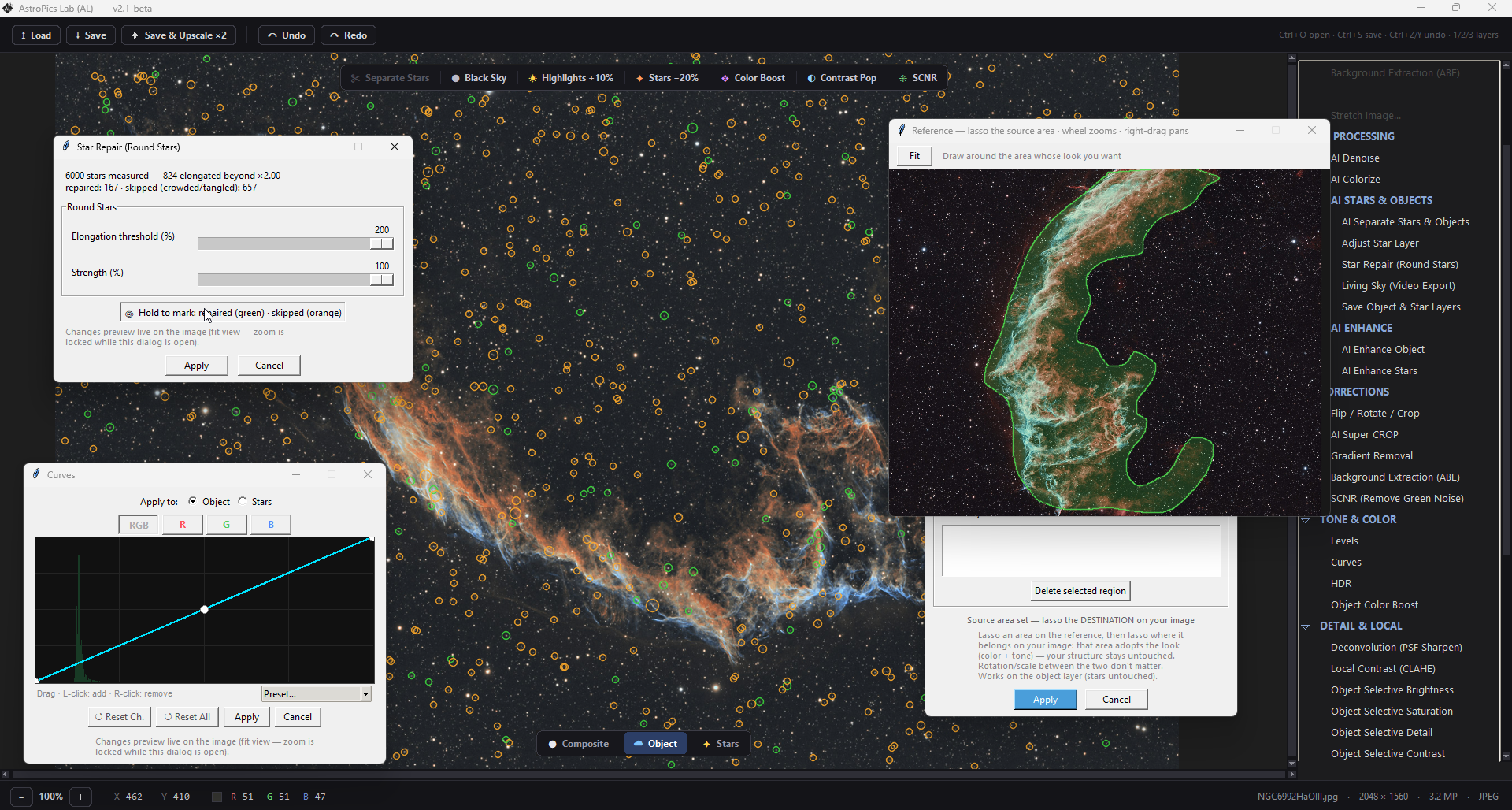
Remove noise, enhance object, remove/reduce stars, apply color automatically, upscale 2x image, autostretch, levels, curves, Gradient/Background removal, luminance layers, change palette, modify colors, 3d effects, enhance stars, etc.
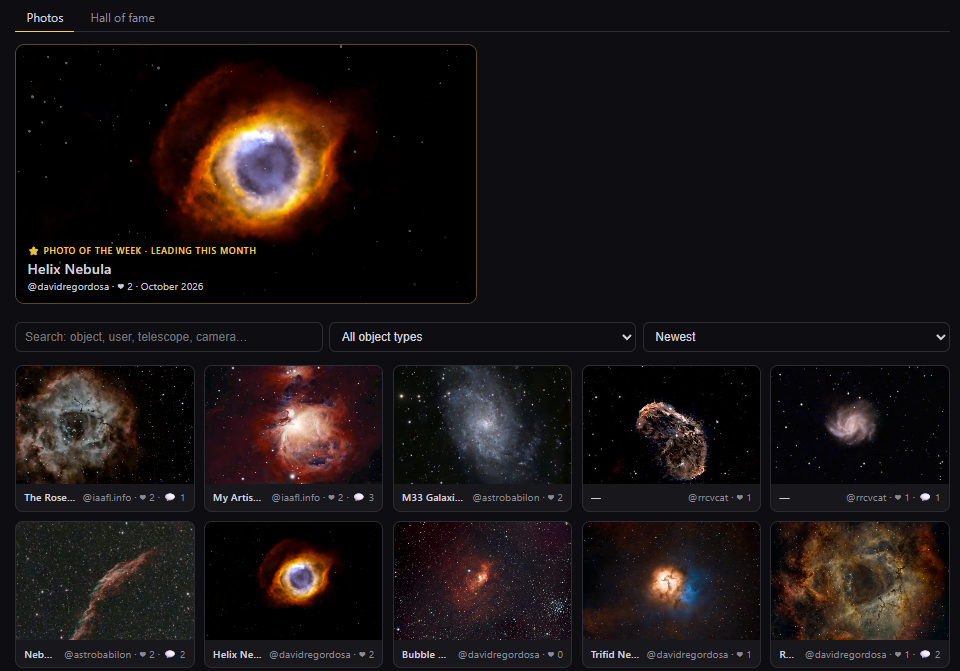
Process your photos and upload them automatically into AstroPics Community. Share your photos or keep them private, comment, like, and see the best photos of the month! Everything for free!
Features Overview
Everything You Need to Process your Photos
AI models to reduce noise, enhance object, separate stars, upscale image and apply color on B/N images
Automated Pipelines to Process Images
Choose a pipeline or simply tell AstroPics Lab the object you are processing
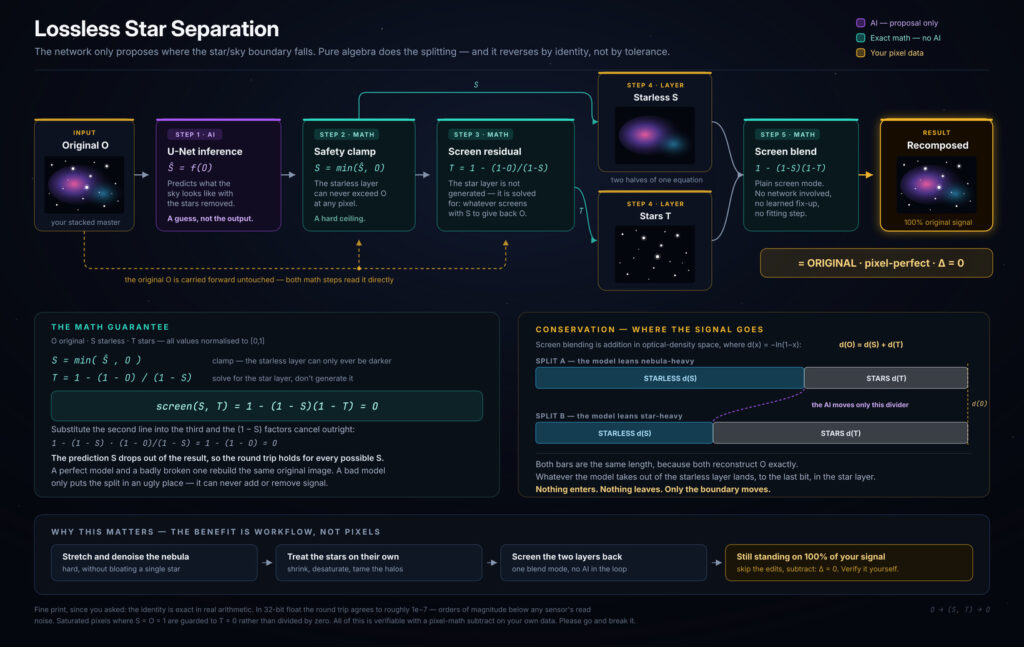
Process Object and Stars Separately
Use AI to separate the stars and then process the object and the stars using specifically designed tools
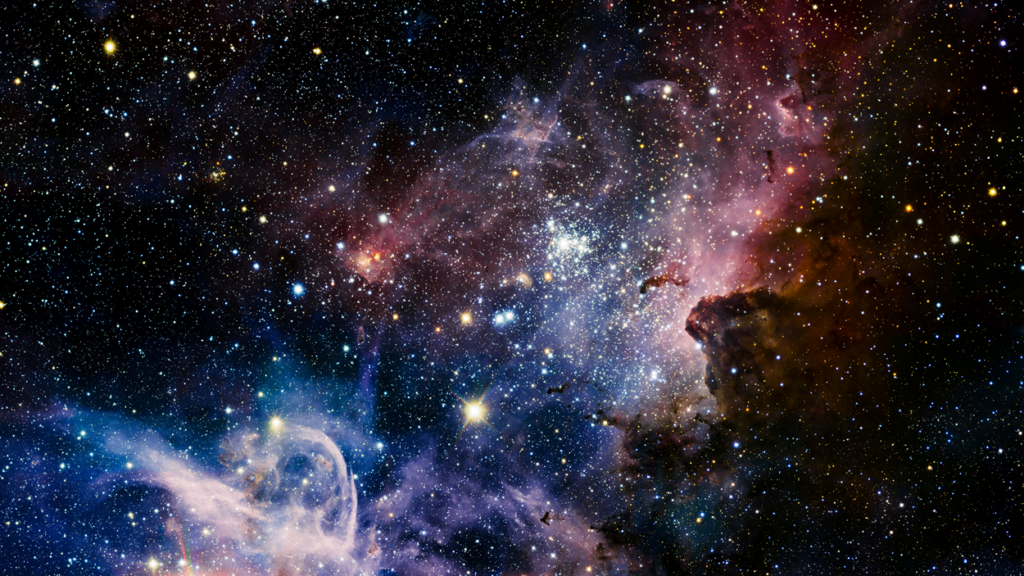

Object and stars pixel perfect separation. Click to review how we do it:
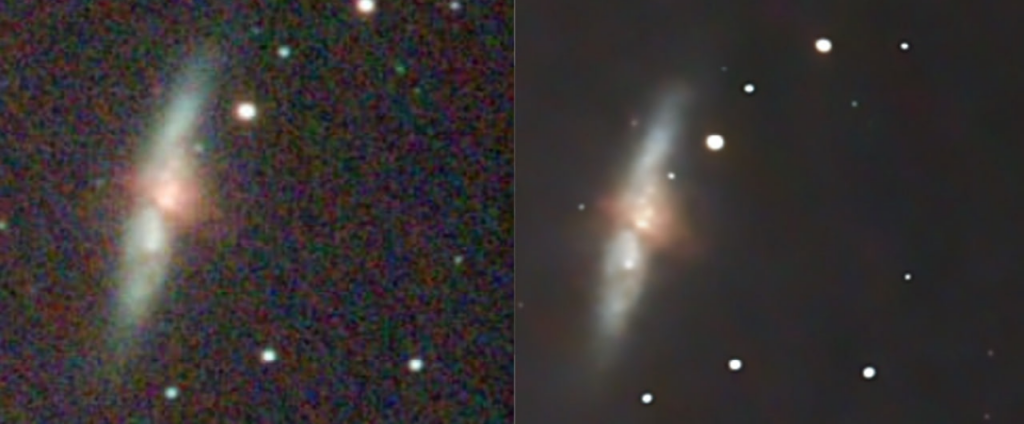
AI Noise Reduction Model
We trained a neural network with more than 35k astronomical images, to be able to identify and remove all kind of Astrophotography noise
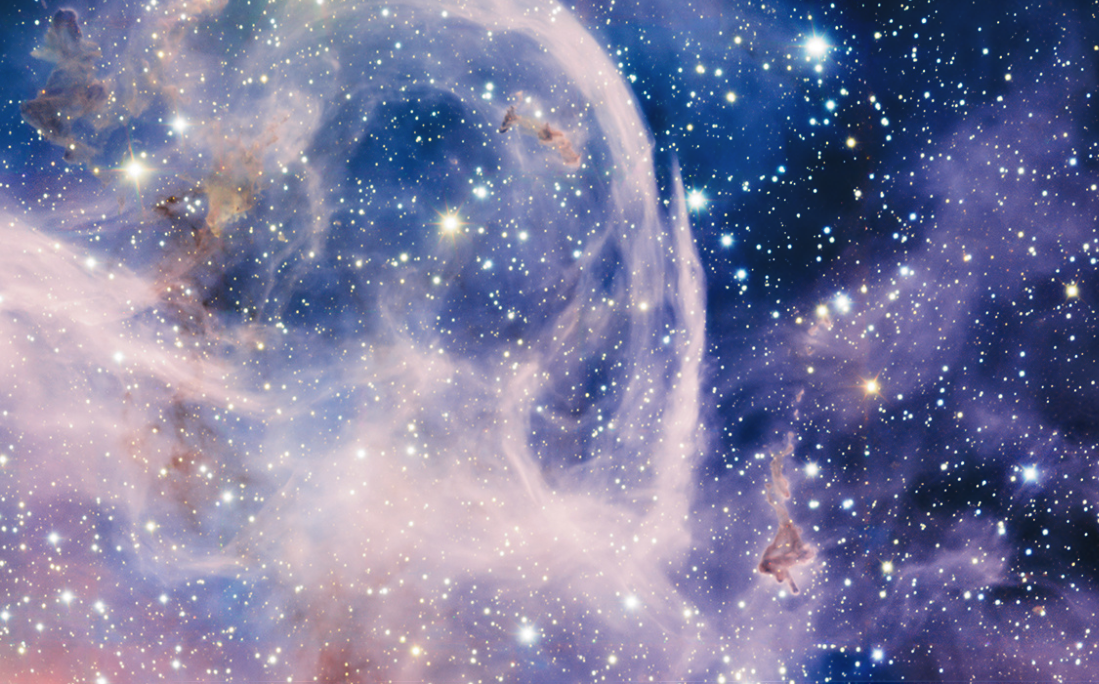
AI Enhance Model
Enhance and upscale images automatically, to get the fine details of your images
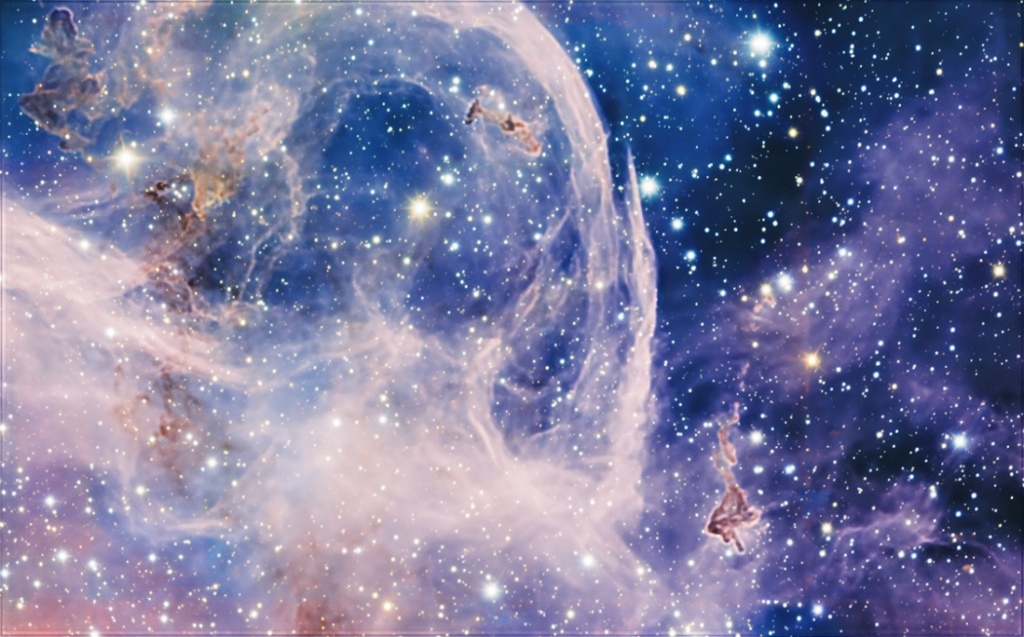
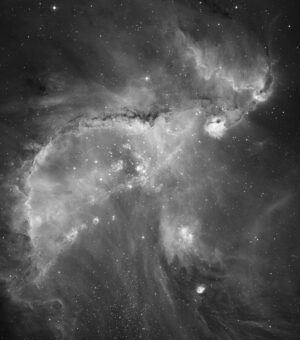
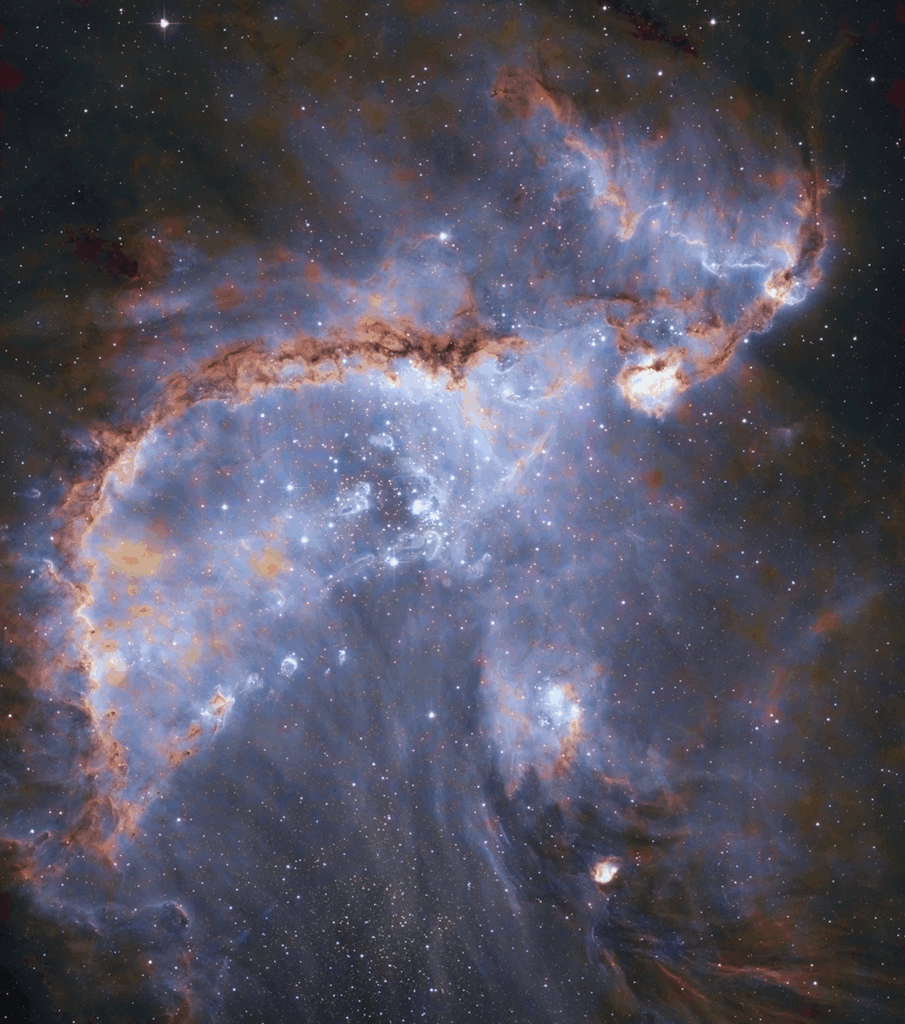
AI Colorize Model
Apply color to your B/N images or just correct the color on your photos.
How It Works
Windows application to run everything on your PC
AI Filters to automatically denoise and enhance your images, separate Stars from the object using AI Model, Generate color for your B/N or color images, Upscalling model to 2x resolution without losing detail, Stretch, remove stars, luminance layers, Basic photo adjustments, etc.
FAQ
Helpful Answers Before You Get Started
Find answers to the most common questions about features.
Yes. AstroPics Lab loads FITS files (.fits, .fit) directly. When you open a linear FITS, an interactive stretch panel appears with a live histogram and draggable markers, letting you choose between MTF (Midtones Transfer Function) and GHS (Generalized Hyperbolic Stretch) — the same stretch algorithms used in tools like Siril and PixInsight — so you can bring out your data before processing.
You can load FITS (.fits, .fit), XISF (PixInsight’s native format, .xisf), TIFF (.tif, .tiff), PNG, and JPEG files.
You can export your final image as PNG, JPEG, or TIFF — even if the original was a FITS or XISF file.
AstroPics Lab is a native Windows desktop application. Everything runs locally on your machine — your images never leave your computer.
AstroPics Lab combines AI-powered tools with classic astrophotography adjustments:
Pipelines — a «Magic Button» that chains multiple processing steps automatically
AI Denoise — removes noise while preserving fine nebula detail
AI Star Separation — splits your image into a starless layer and a star layer
AI Enhance — boosts nebula structure and detail
AI Colorize — adds natural color to monochrome or weak-color data
AI 2x Upscale — doubles your image resolution
Adjustments — histogram stretch (MTF/GHS), curves and levels with live preview, SCNR green removal, gradient removal (ABE), selective color corrections, HDR, crop, deconvolution, and palette tools (including a dynamic Foraxx palette)
No. All AI models ship with the application and run locally — no internet connection, no cloud processing, no subscriptions.
AI processing runs in overlapping tiles, so even large sensor images (full-frame, mosaics) process reliably without running out of memory. The canvas also renders only the visible region, keeping zoom and pan smooth on big files.
Just try it for free.
AstroPics Lab is designed to help you with your astronomical photos